How to activate AVG Ultimate using activation code
This article provides information on how to activate AVG Ultimate. AVG Ultimate includes 3 different software: AVG Internet Security, AVG Tune up and AVG Secure VPN.
How to activate AVG Internet Security
1- Activate your license key (Activation code)
First would need to activate your license key. To activate your license key please click here.
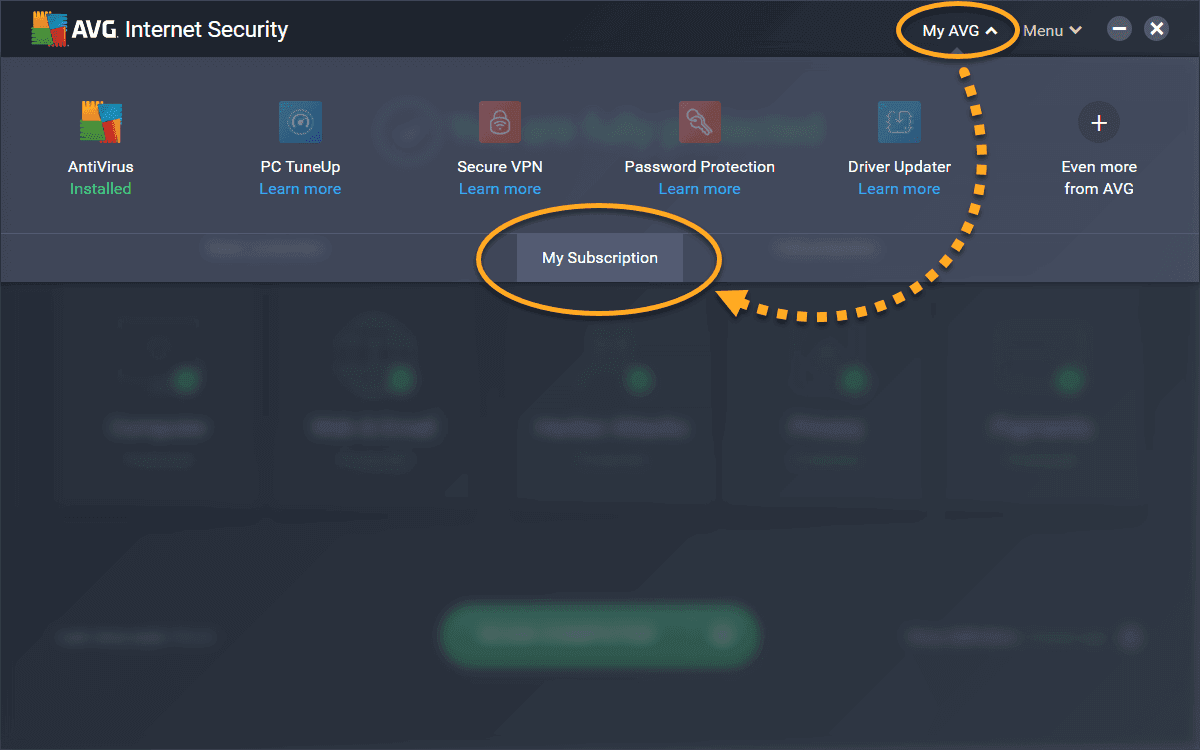
2- Open the AVG user interface and go to My AVG ▸ My Subscription.
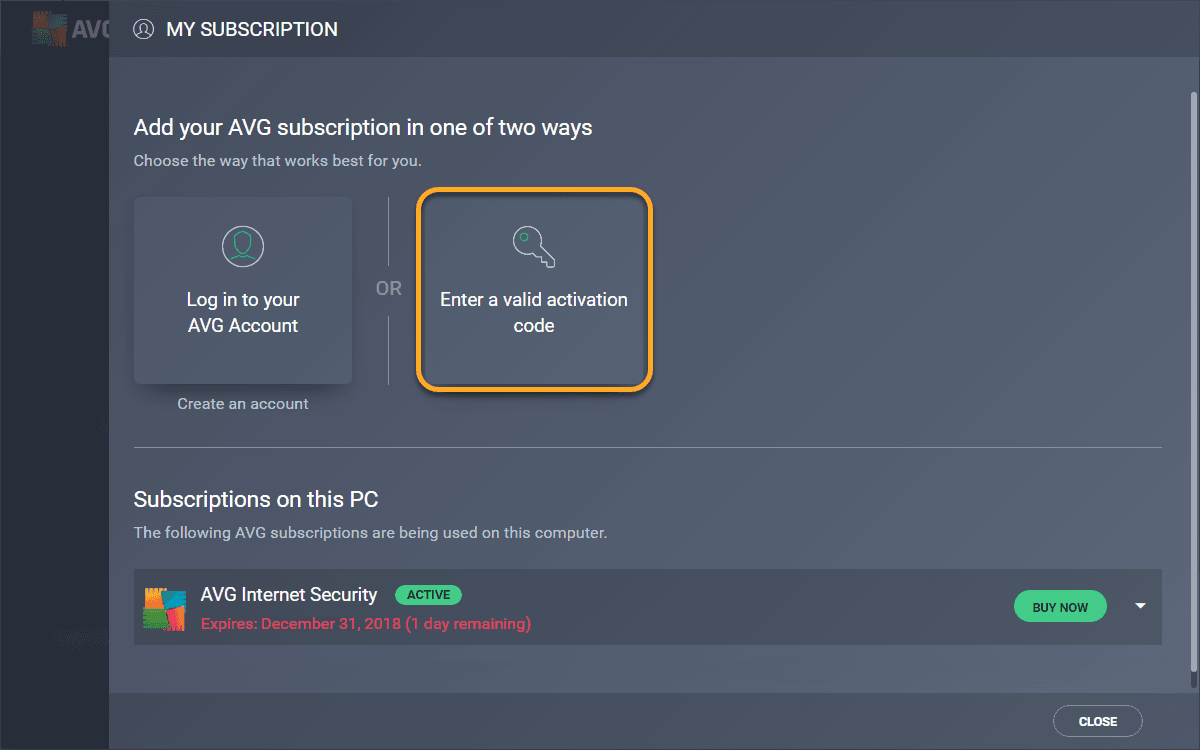
3- Select Enter a valid activation code.
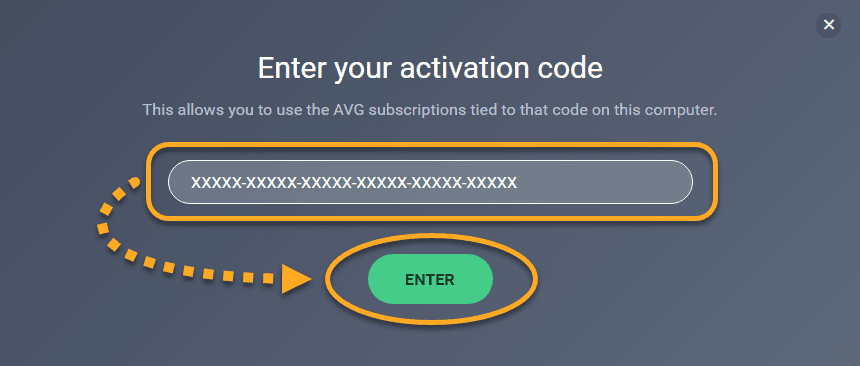
4-Type or paste your activation code into the text box, then click Enter.
5- Your subscription is activated. Click Continue to return to the My Subscription screen.

How to activate AVG Tune up ?
1- Open the AVG user interface and go to My AVG ▸ My Subscription.

2- On the My subscription screen, click Enter a valid activation code.
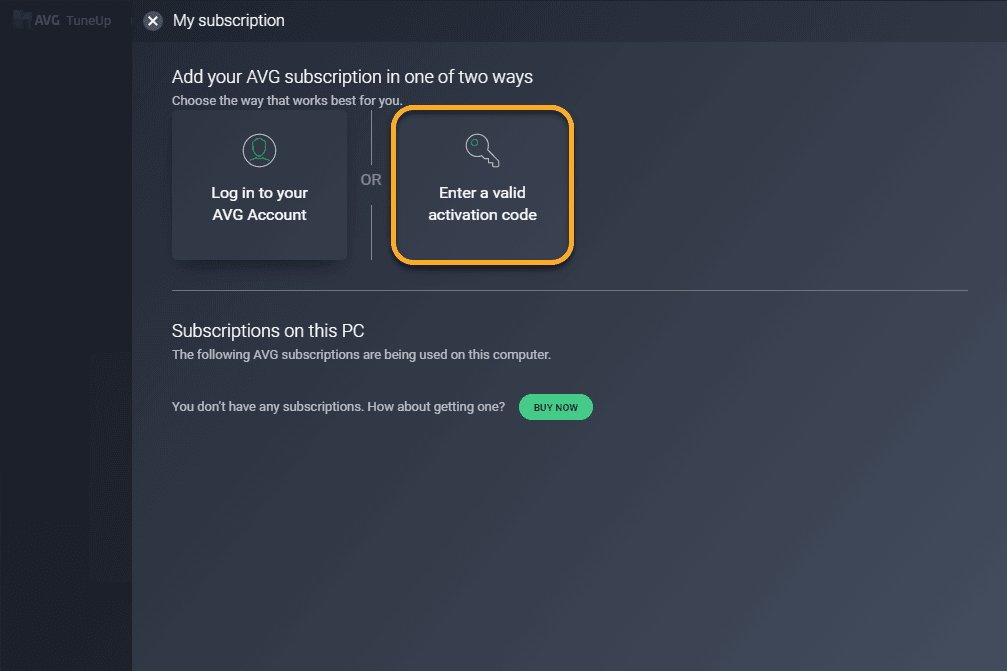
3- Type or paste your activation code into the text box and click Enter.
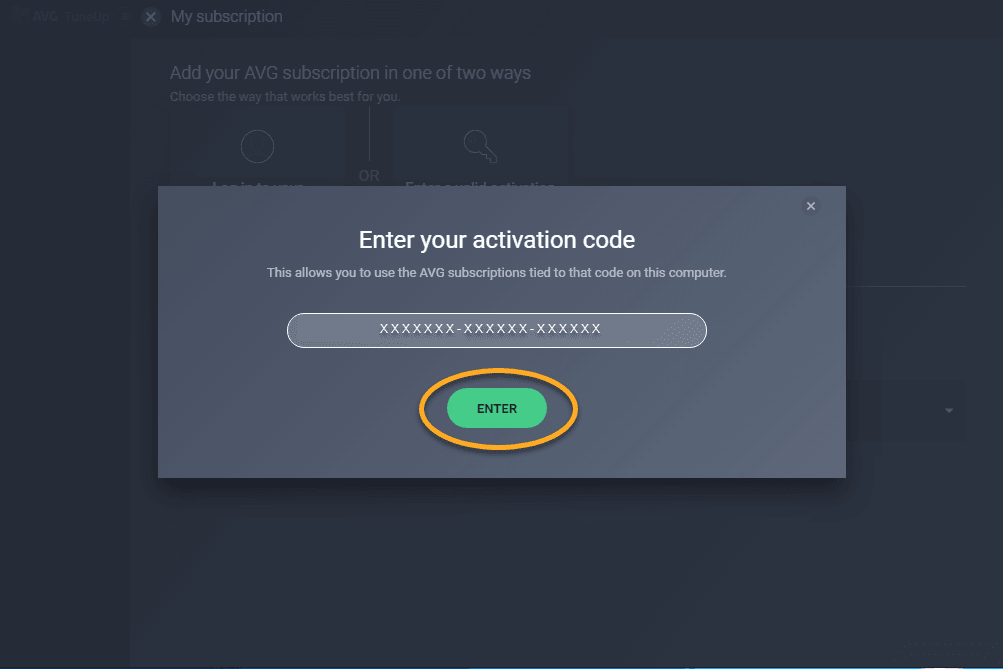
4- Check your subscription details for the entered activation code. If you have an activation code for interchangeable products, you can click on a listed item and select an alternative subscriptions from the drop-down menu. Click Continue to return to the My subscription screen.
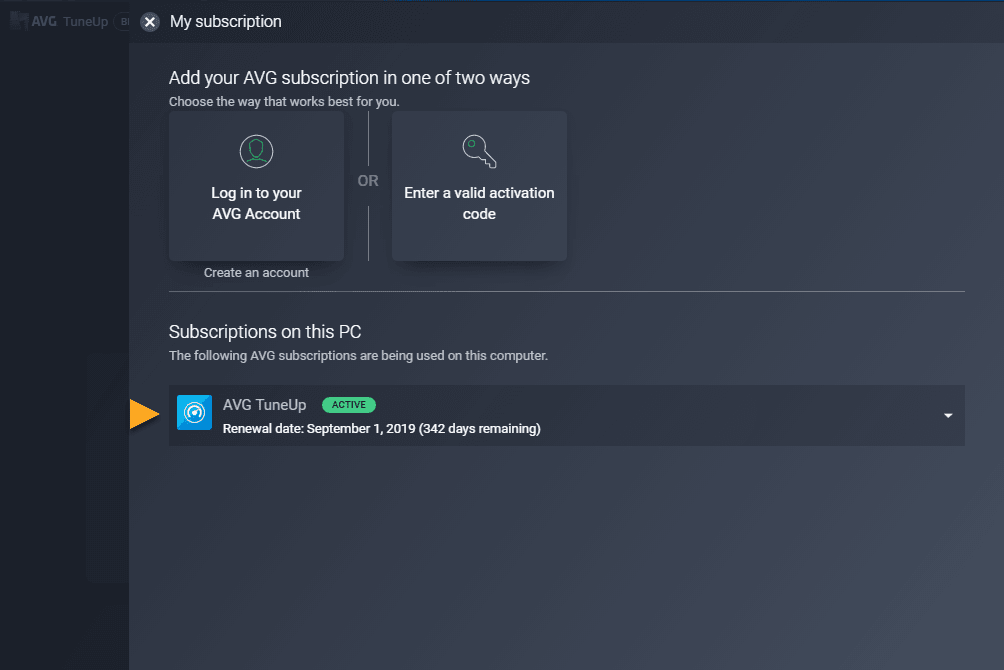
Your AVG TuneUp subscription is now activated. The expiration date of your subscription appears under Subscriptions on this PC.
How to activate AVG Secure VPN ?
1- Click My AVG in the top-right corner, then select My Subscription.

2- From the My Subscription screen, click Enter a valid activation code.
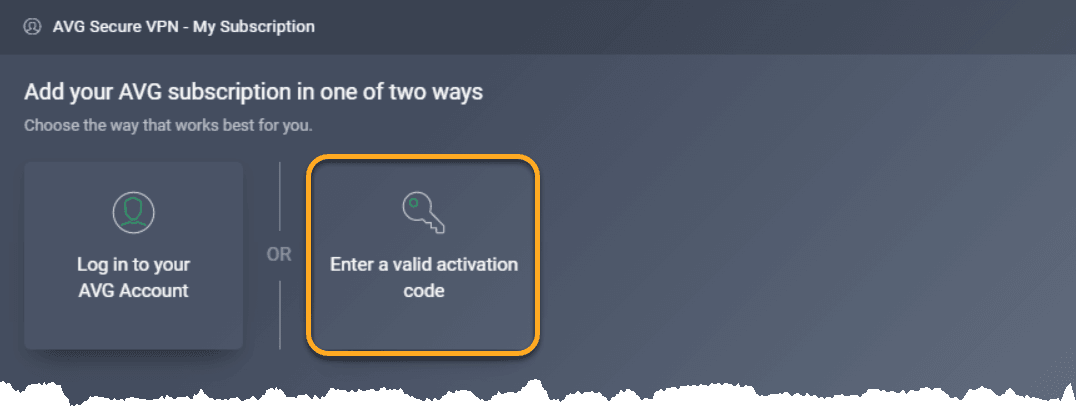
3- Type or paste your activation code into the text box and click Enter.
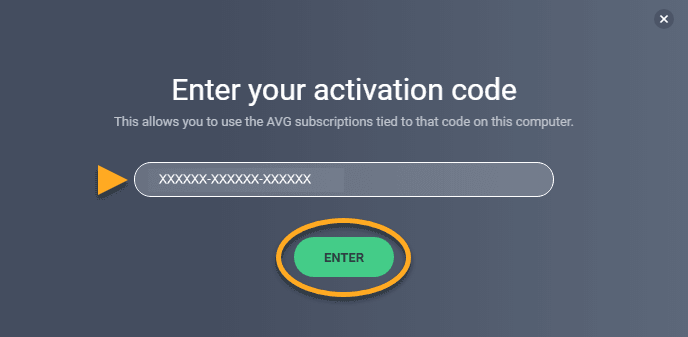
4- Check your subscription details for the entered activation code. If the entered activation code is valid for interchangeable products, you can click a listed item and select an alternative subscription from the drop-down menu. Click Continue to return to the My Subscription screen.
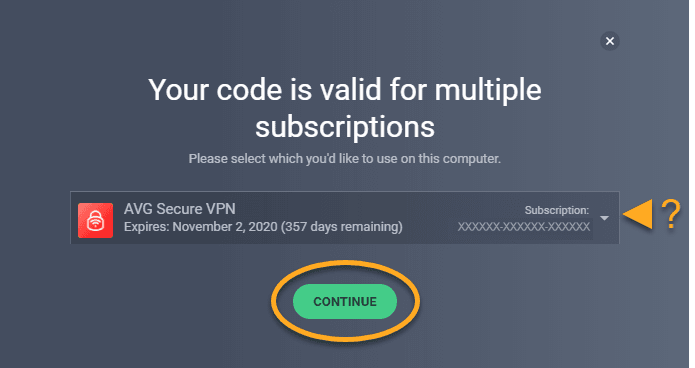
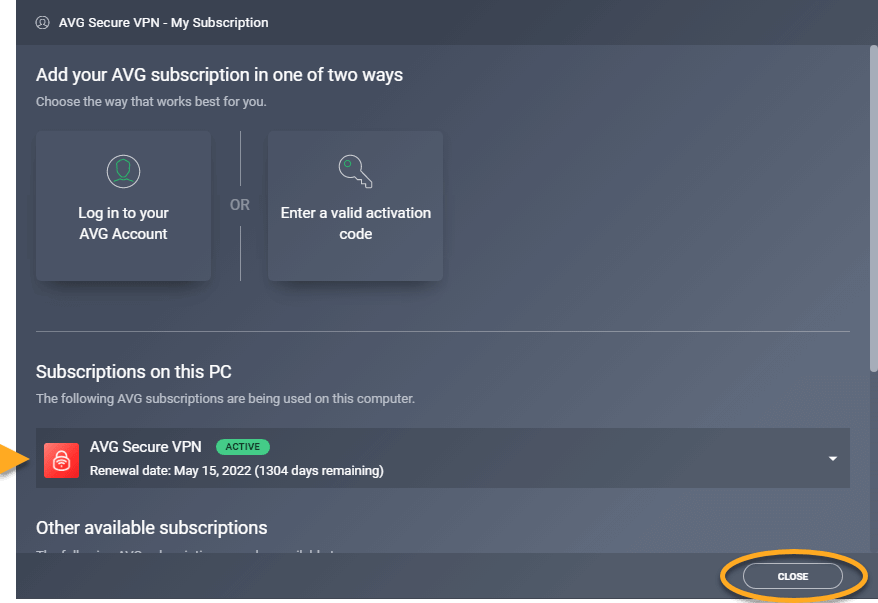
5- Your AVG Secure VPN subscription is now activated. The expiration date of your subscription appears under Subscriptions on this PC. Click Close to return to the main AVG Secure VPN screen.